The best image size for an X (Twitter) post is 1600 × 900 pixels (16:9), or 1080 × 1080 for a square image. You can attach up to four images per post as JPG, PNG, GIF or WEBP, each up to 5 MB; animated GIFs can be up to 15 MB. Your header is 1500 × 500 (3:1) and your profile photo 400 × 400.
Here's every size, what gets cropped, and a free header template. Checked against X's developer and help documentation on 10 November 2026.
X image sizes at a glance
| Image | Size | Ratio | Limits |
|---|---|---|---|
| Single image in a post | 1600 × 900 | 16:9 | Up to 5 MB; JPG, PNG, GIF or WEBP |
| Square image in a post | 1080 × 1080 | 1:1 | Up to 5 MB |
| Two to four images | Same size and ratio each | 16:9 or 1:1 | Up to 4 images per post |
| Animated GIF | 1280 × 1080 or smaller | Any | Up to 15 MB, 350 frames |
| Header (banner) | 1500 × 500 | 3:1 | |
| Profile photo | 400 × 400 | 1:1 | Shown as a circle; up to 2 MB |
| Link card image | 1200 × 600 | 2:1 | Set on the linked page; under 5 MB |
| Video | 1280 × 720, 720 × 1280 or 720 × 720 | 16:9, 9:16 or 1:1 | Ratio between 1:3 and 3:1 |
Sources: X's media best practices and videos help. For every network's sizes in one place, use our image and video sizes tool.
Image size for X posts
X shows a single image in the timeline at its own shape, so it isn't cropped to a fixed box the way it used to be. Very tall images are still trimmed in the timeline until someone taps them.
- 16:9 landscape (1600 × 900): the classic choice; takes up the full width without dominating the screen.
- 1:1 square (1080 × 1080): a little more room on phones; reuses well on LinkedIn and Instagram.
- Portrait: shows larger on phones, but the bottom may be cut off in the timeline. Keep the important part near the top and middle.
Upload images at least 1200 pixels wide. X compresses images, and larger sources survive compression better. PNG keeps text and screenshots sharper than JPG.
Posting two, three or four images
When you attach several images, X arranges them in a grid and crops each one to fit:
- Two images sit side by side, each cropped to a tall rectangle.
- Three images show as one tall image on the left and two stacked on the right.
- Four images form a 2 × 2 grid.
Every image is shown in full when tapped. To keep crops predictable, use the same ratio for all images and keep the subject in the centre of each.
Animated GIFs
GIFs can be up to 15 MB, 1280 × 1080 pixels or smaller, with no more than 350 frames. A post can have one GIF, or up to four images, or one video, not a mix. If a GIF is rejected despite being under 15 MB, it's usually too many frames or too large: shorten it or reduce its size.
X header size (banner)
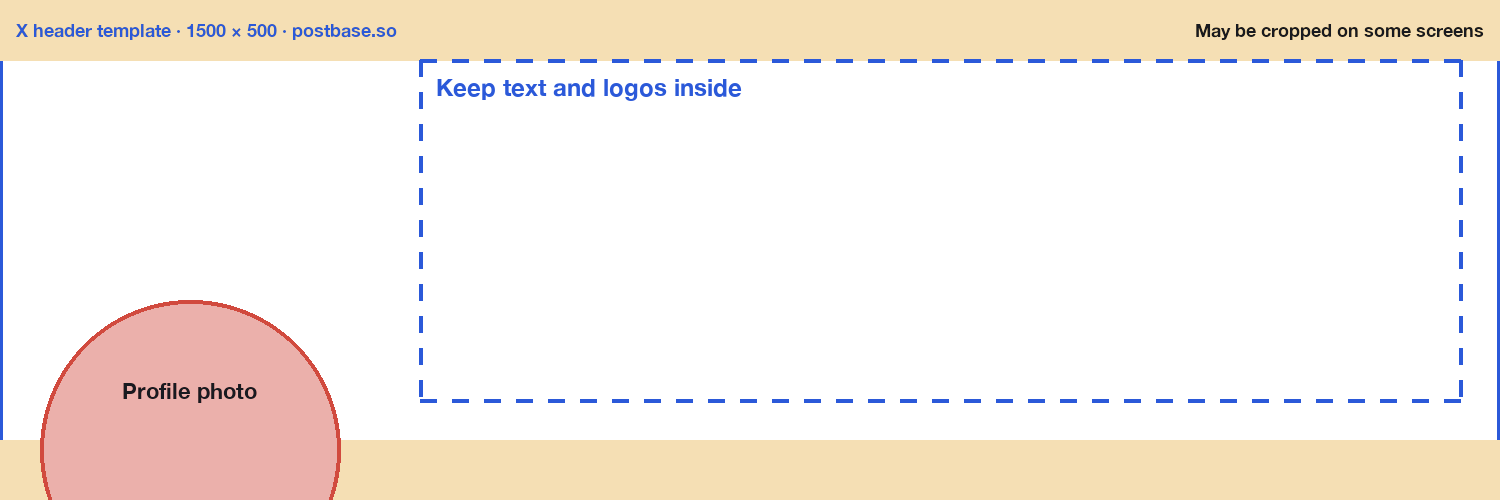
The header is 1500 × 500 pixels (3:1). Your profile photo covers the lower-left corner, and the top and bottom edges are trimmed on some screens.
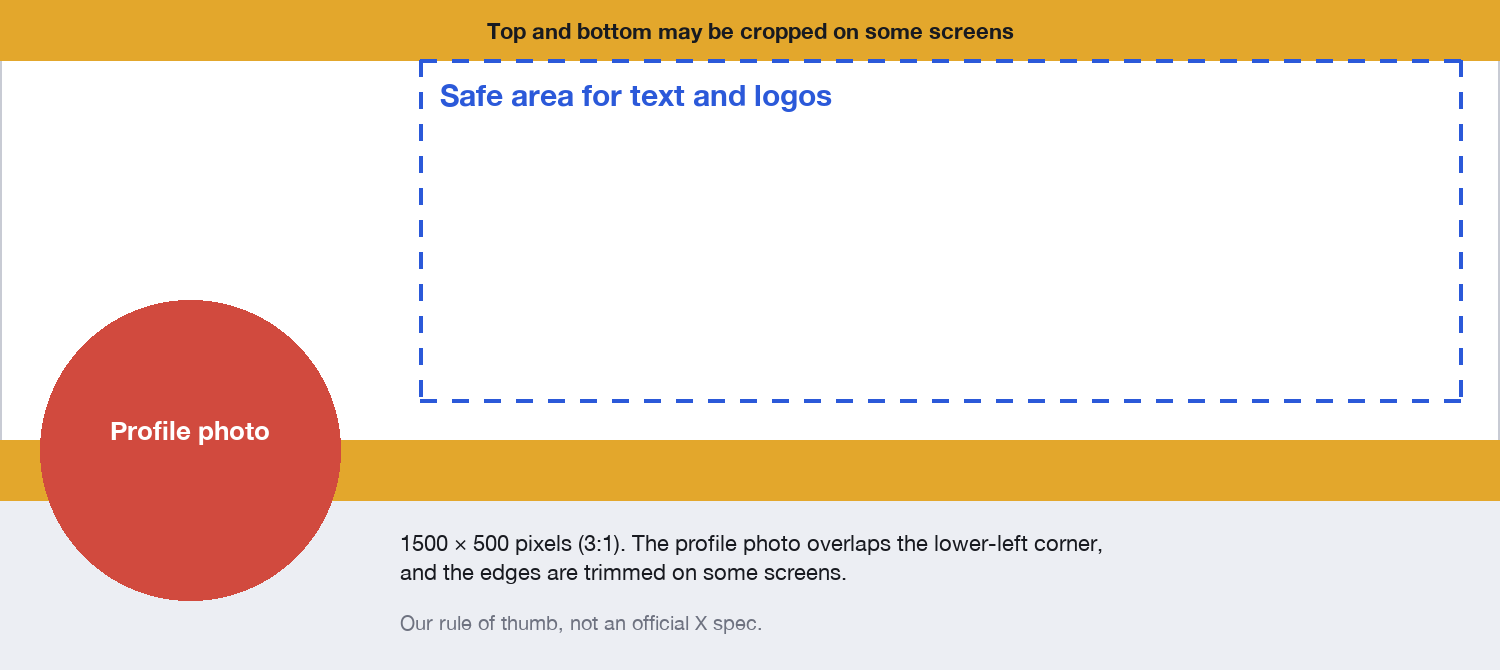
Keep text and logos in the centre-right area, away from the lower-left and the very top and bottom. Download our X header template (1500 × 500 PNG), put it on the top layer in your editor, and hide it before you export.
X profile picture size
400 × 400 pixels, square, up to 2 MB. X shows it as a circle (or a rounded square for some business accounts), so keep your face or logo centred with some space around it.
Link card image size
When you post a link, X builds a card from the page's twitter:image or og:image. For the large card (summary_large_image), use a 2:1 image such as 1200 × 600, at least 300 × 157 and under 5 MB. A 1200 × 630 image made for Facebook and LinkedIn also works, with a sliver cropped. If the card is wrong, fix the tags on the web page; X builds the card from whatever the page says.
Video size for X
X recommends 1280 × 720 (landscape), 720 × 1280 (portrait) or 720 × 720 (square), at 30 or 60 fps, H.264 with AAC audio, and an aspect ratio between 1:3 and 3:1. Videos can be up to 20 minutes and 8 GB through the API (125 minutes and 16 GB with Premium). X Premium subscribers get 1080p playback; others get 720p.
Images, text and the character limit
Images don't count toward X's 280-character limit, so a screenshot of a chart, code or a list is a way to share more than fits in the text. Add alt text (up to 1,000 characters) so everyone can read it. More in our guide to the X character limit.
To check how a post with images will look before it goes out, paste it into our free post preview tool, which lays out images the way X does. In Postbase, you can attach up to four images (or one video) to an X post, see the preview as you write, and schedule it alongside the same post on LinkedIn, Bluesky and Mastodon.
Frequently asked questions
What is the best image size for X (Twitter)?
1600 × 900 pixels (16:9) for a landscape image, or 1080 × 1080 for a square one. Images can be up to 5 MB each, and you can attach up to four.
What is the X header size?
1500 × 500 pixels (3:1). Keep text away from the lower-left, where your profile photo sits, and from the very top and bottom edges.
What is the X profile picture size?
400 × 400 pixels, square, up to 2 MB. It's shown as a circle.
What image formats does X support?
JPG, PNG, GIF and WEBP for images. Static images can be up to 5 MB and animated GIFs up to 15 MB.
Why is my image cropped on X?
Very tall images are trimmed in the timeline, and posts with two to four images crop each image to fit the grid. Tap the image to see it in full. Use 16:9 or 1:1 and keep the subject centred to avoid surprises.
How many images can I add to an X post?
Up to four images, or one animated GIF, or one video, per post.
What size should a Twitter card image be?
2:1, such as 1200 × 600 pixels, at least 300 × 157 and under 5 MB, set as twitter:image or og:image on the linked page.

 Postbase